

Latest Version
Jakub Melka
Finance
Linux
Free
io.github.JakubMelka.Pdf4qt
Report a Problem
More About PDF4QT - Free Open Source PDF Editor for Linux
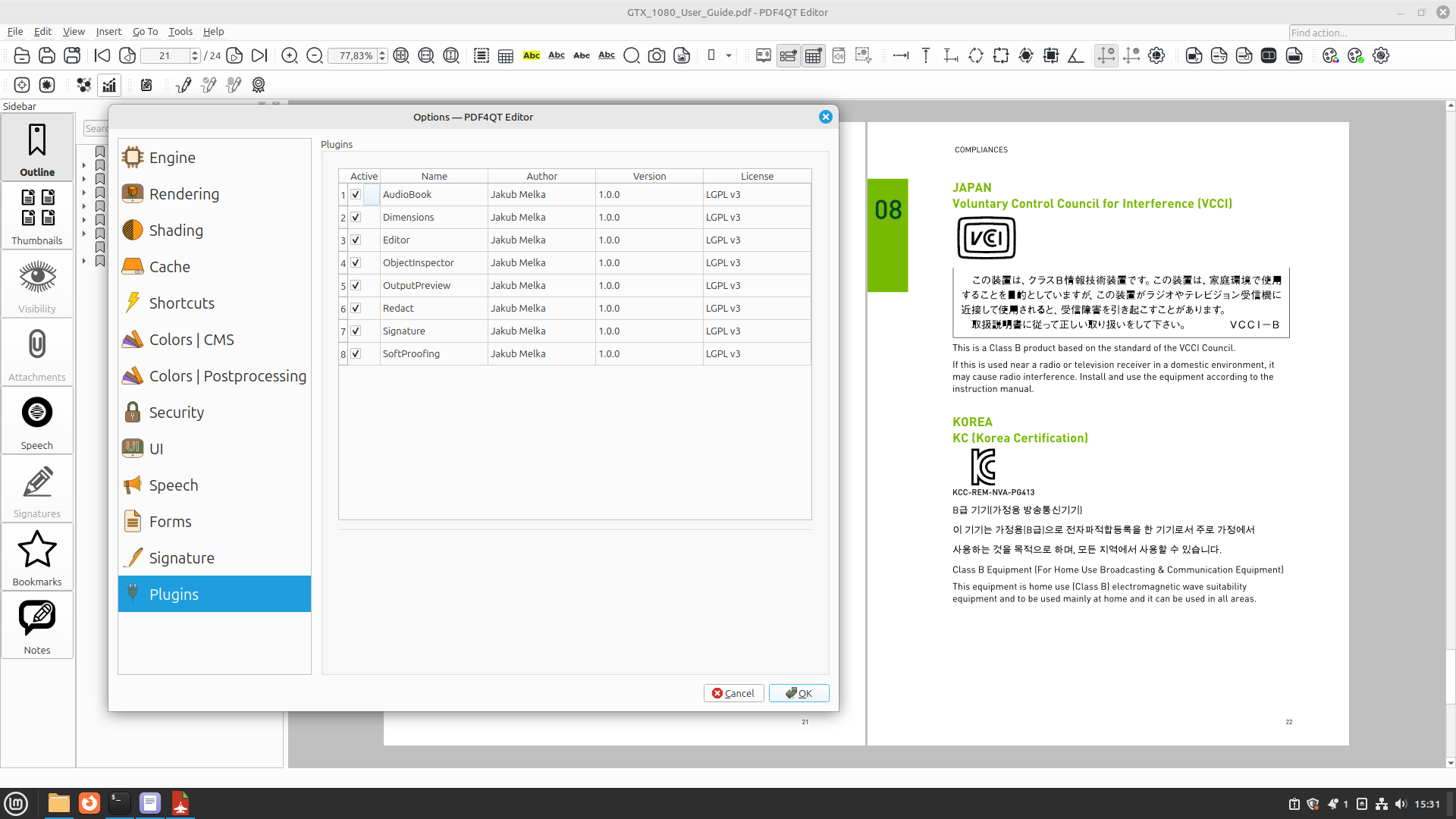
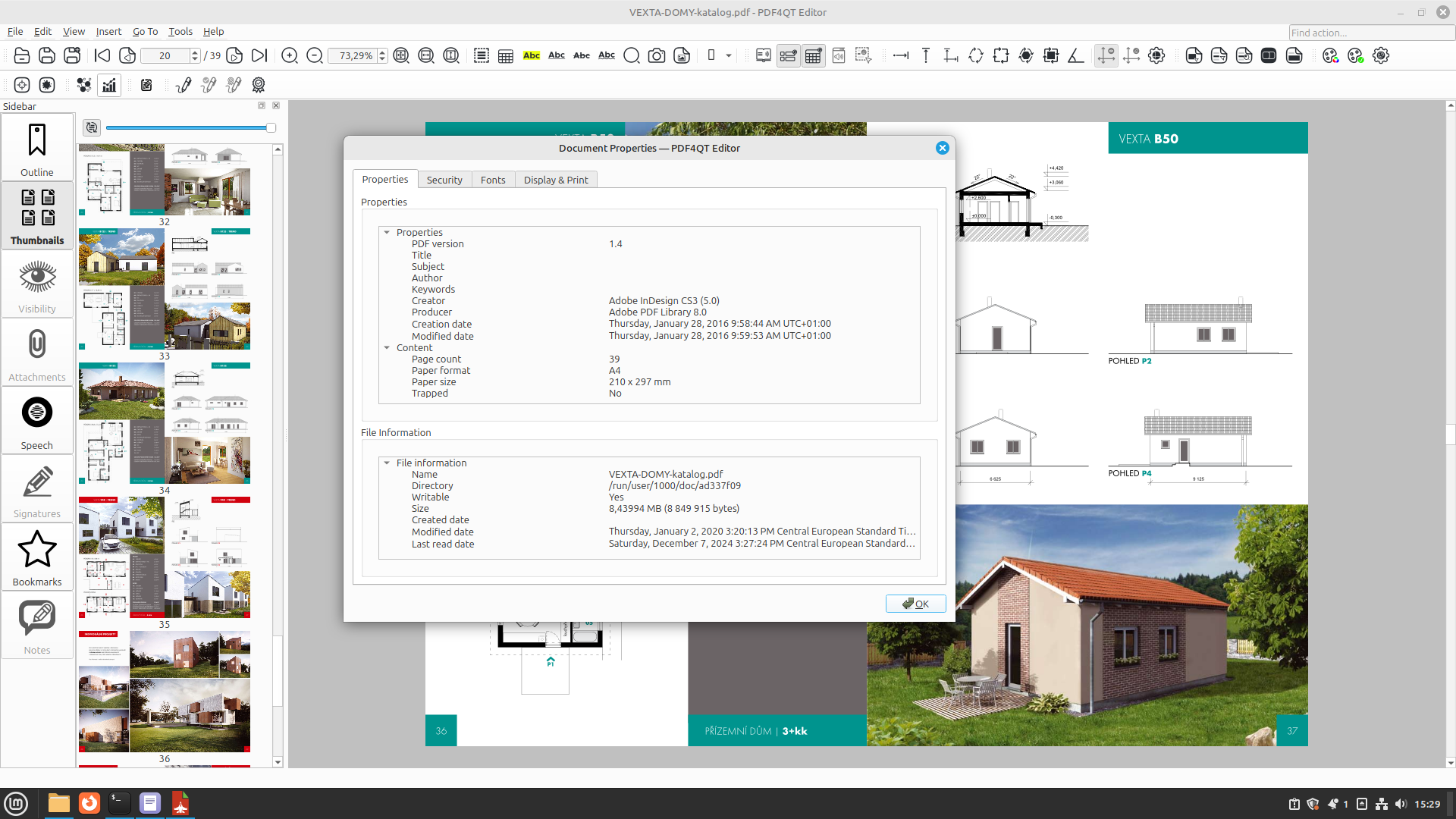
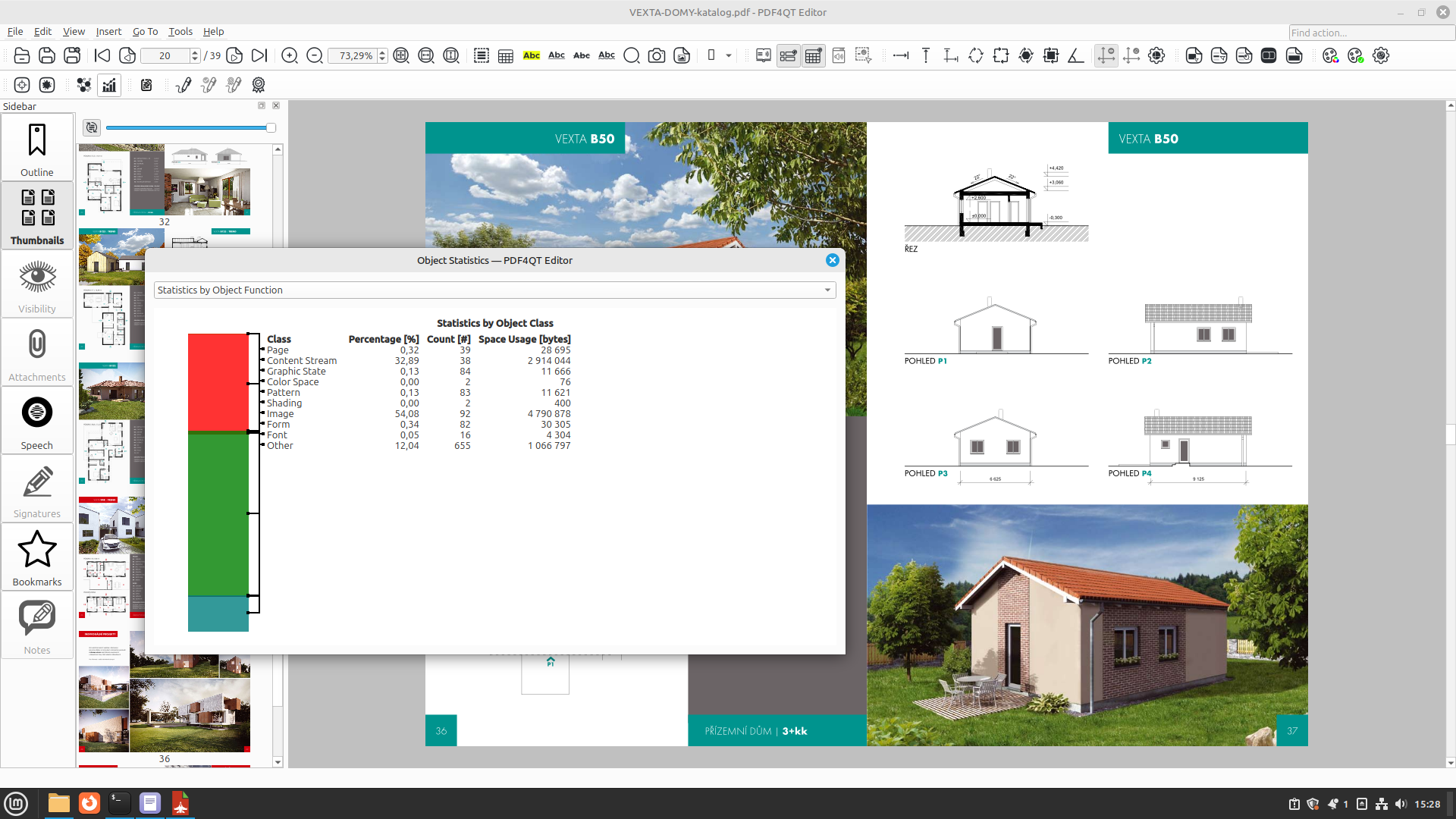
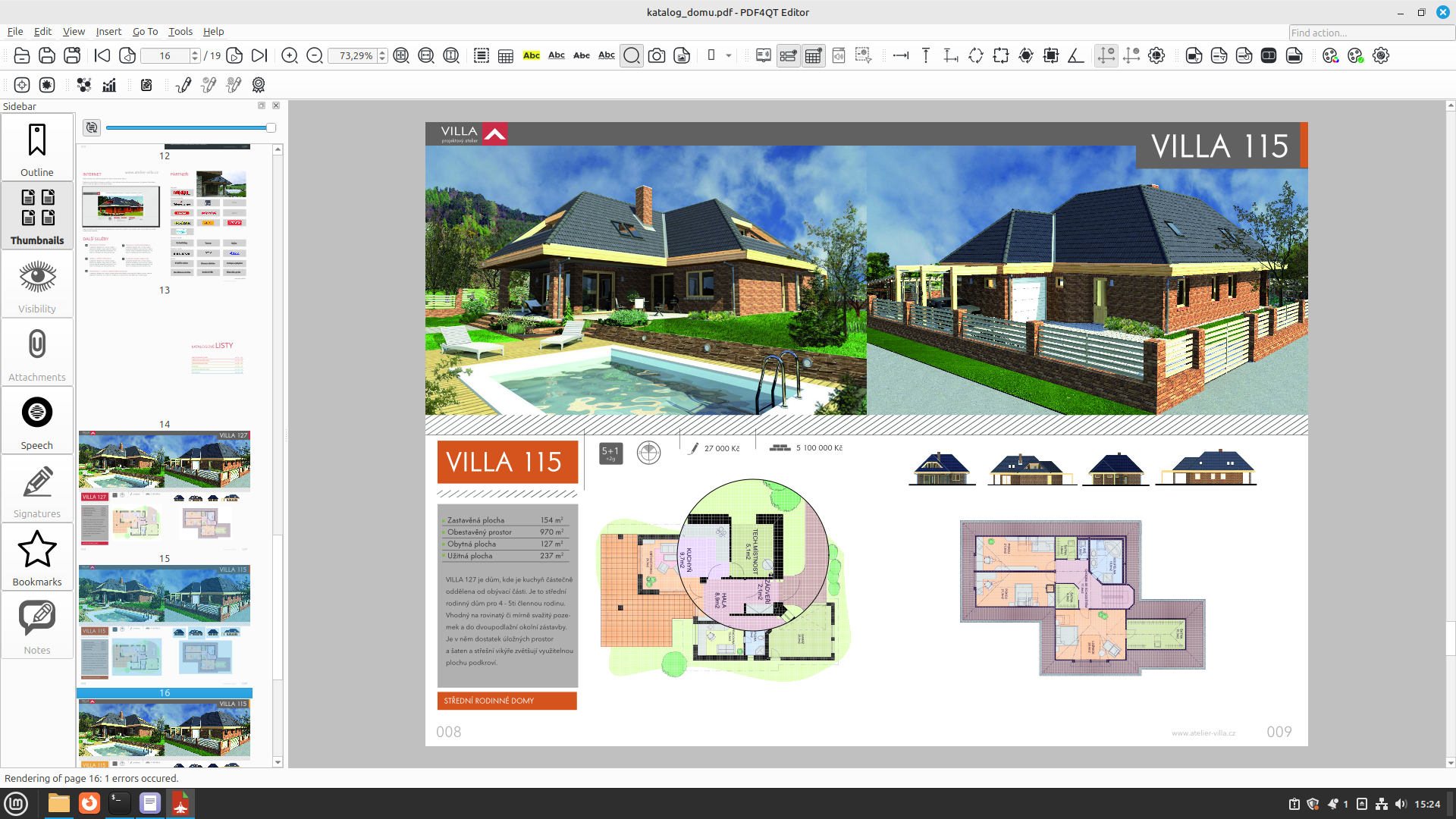
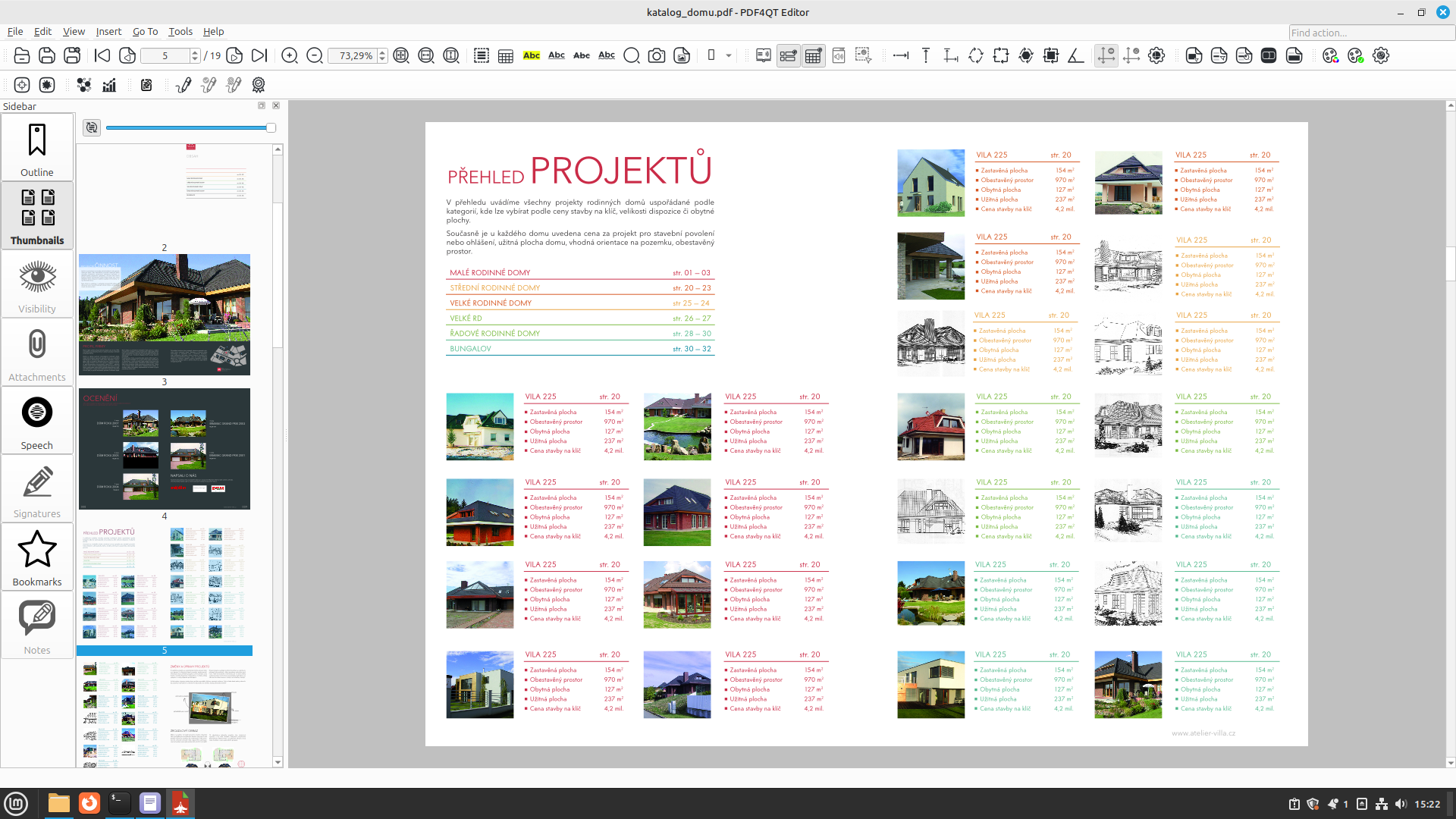
Linux users frequently face a challenge when searching for a comprehensive, native document manipulation tool. The PDF4QT open source PDF editor successfully bridges this gap, delivering an exceptional suite of editing, signing, and optimization tools tailored specifically for the Linux ecosystem. Developed by Jakub Melka, this software goes far beyond simple document viewing to offer advanced control over your digital files.
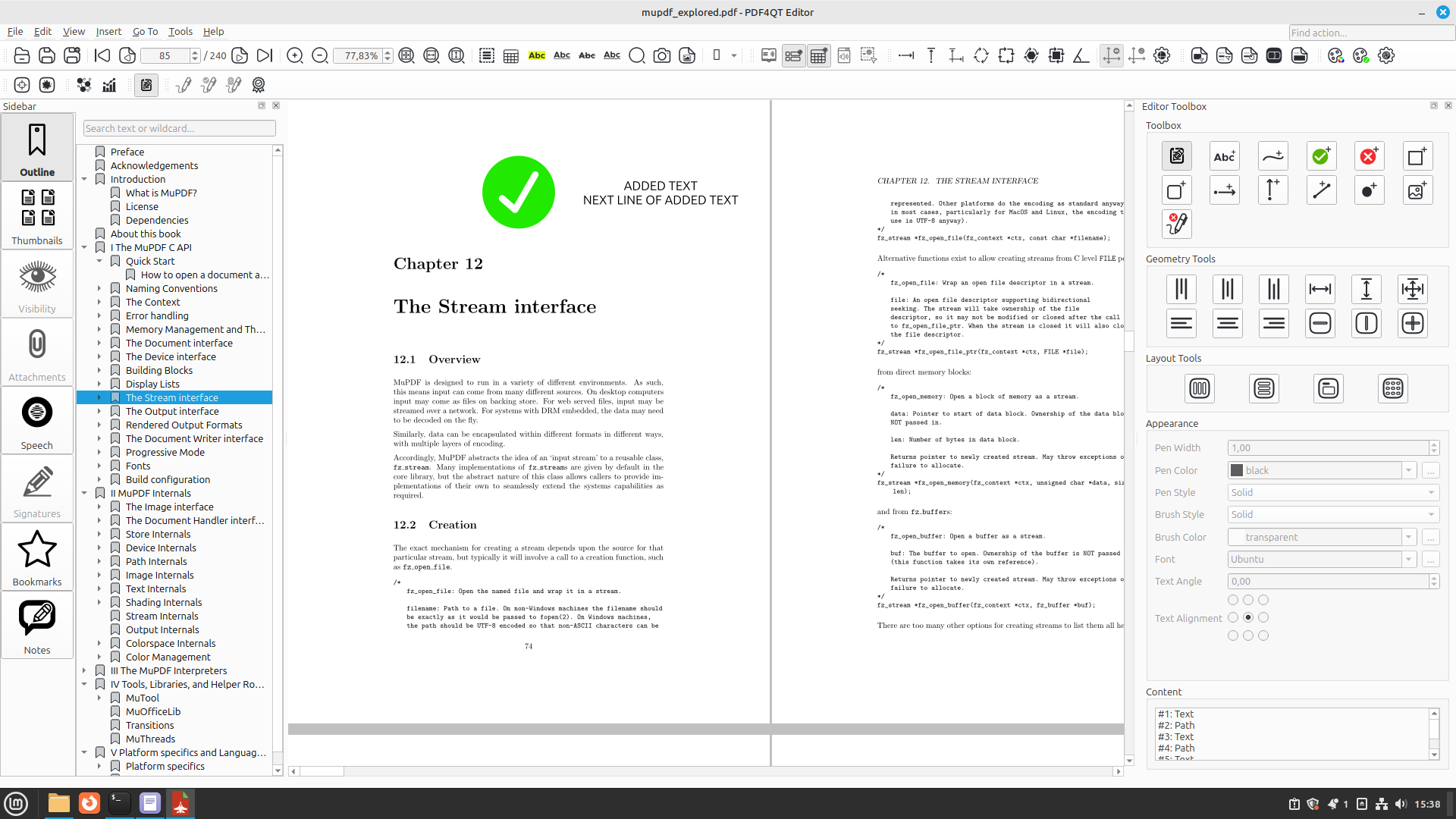
Comprehensive Editing and Annotation Tools
At its core, the PDF4QT open source PDF editor is designed to handle complex document workflows. Whether you need to make precise textual edits or collaborate on a draft, the application provides a highly responsive interface for all your document tasks. Users can take advantage of advanced annotation features to highlight critical information, add detailed notes, and draw directly onto the document canvas.
Enterprise-Grade Security and Digital Signing
For professionals handling sensitive financial or legal documents, security is a non-negotiable requirement. This open-source utility excels by providing robust encryption options to protect your intellectual property. Additionally, the software features built-in digital signing capabilities, allowing you to sign contracts, verify documents, and maintain professional compliance without relying on proprietary third-party cloud services.
Advanced Command-Line Integration
What truly sets this application apart from standard readers is its versatility. Alongside the intuitive graphical user interface, it features a powerful command-line interface (CLI) tool. This command-line integration allows developers, system administrators, and power users to automate repetitive document tasks, execute batch optimizations, and programmatically manage files directly from the Linux terminal.
Key Features of PDF4QT
- Document Optimization: Reduce file sizes and streamline layouts for faster sharing.
- Advanced Annotations: Add stamps, notes, and markups with absolute precision.
- Secure Encryption: Protect confidential files with industry-standard cryptographic protocols.
- Cryptographic Signing: Apply secure digital signatures directly within your local environment.
- Command-Line Interface: Automate complex PDF workflows and file processing tasks.
Is It Right For You?
If you are looking for a lightweight yet incredibly powerful document processor that respects your privacy and integrates seamlessly into a Linux environment, this application is an outstanding choice. Its combination of desktop accessibility and terminal-based automation makes it equally suited for casual users and technical professionals alike.
To explore this versatile utility further and integrate it into your workflow, visit the official Flathub repository to view the listing and installation instructions.
Rate the App
User Reviews














Popular Apps









Editor's Choice